Welcome to Download LibreOffice, Anonymous 10/13/2026 06:28pm

Essential LibreOffice Calc Formulas for Data Management

  • 07/17/2025 01:40am

LibreOffice Calc: Essential Formulas for Managing Your Data

LibreOffice Calc: Essential Formulas for Data Management

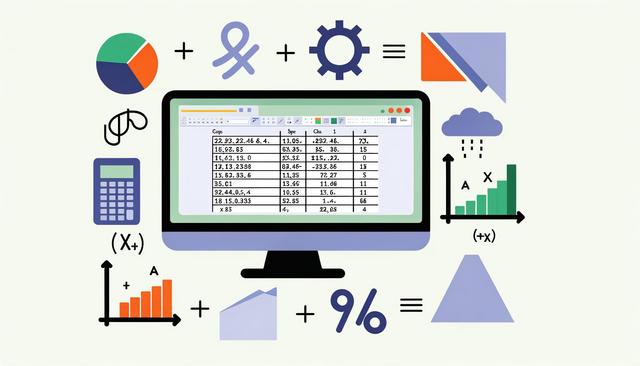
LibreOffice Calc formulas are essential for anyone who wants to manage, calculate, analyze, and visualize spreadsheet data efficiently. LibreOffice Calc is a powerful and free spreadsheet software that easily competes with paid solutions like Microsoft Excel. With its numerous features and formulas, it allows you to manage your data efficiently. In this article, we will explore the essential formulas in LibreOffice Calc, perfect for optimizing your data management.

Supported File Formats in LibreOffice

  • 07/10/2025 01:39am

File formats supported by LibreOffice

File Formats Supported by LibreOffice: Compatibility and Interoperability

LibreOffice file formats are one of the key strengths of this open-source office suite. LibreOffice is renowned for its flexibility and ability to handle a wide variety of file formats. This software not only allows users to create and edit documents, spreadsheets, and presentations but also ensures extensive compatibility with other office applications. This article explores the various file formats supported by LibreOffice, highlighting the perfect compatibility and remarkable interoperability it offers to users.

These formats are useful for everyday office work, whether you need to write a text document, manage spreadsheet data, prepare a presentation, publish a PDF, or exchange files with people using other office suites.

Free LibreOffice 25.2 User Guides Available Now

  • 07/01/2025 04:27am

LibreOffice User Guides

Updated Manuals for an Enhanced Version

LibreOffice 25.2 user guides have reached an important milestone with the release of the official manuals for this version. They are up to date, comprehensive, and free of charge. Each manual helps you master the tools of the office suite: Writer, Calc, Impress, Draw, and Math.

With the launch of this new version, the documentation team has worked diligently to ensure you can easily follow the latest features and changes. The goal is simple: to make LibreOffice clearer, more intuitive, and more accessible, even for beginners.

These free LibreOffice manuals are useful whether you want to write documents, work with spreadsheets, prepare presentations, create drawings, or edit formulas. They provide practical help in a format that is easy to consult when you need guidance.

LibreOffice Product Store: Official Merchandise

  • 06/30/2025 04:02am

LibreOffice enrichit sa boutique

New Official Merchandise at LibreOffice

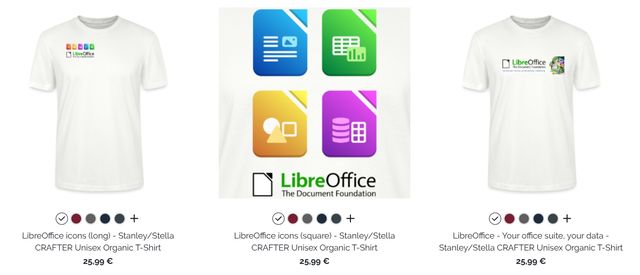
The LibreOffice product store offers official merchandise for users who want to show their support for the free office suite and its community. For several years, LibreOffice has offered official merchandise such as t-shirts, mugs, and bags. However, since June 2025, the shop has been revamped with unique designs that are more modern and diverse. This update aims to enhance the project's visibility and provide the community with a simple and tangible way to support the initiative.

The official store brings together practical everyday items and graphic designs linked to LibreOffice, free software, and community values. It gives users a visible way to express their attachment to the project without needing technical knowledge.

Transition from Microsoft Office to LibreOffice

  • 06/29/2025 02:30am

How to Effectively Migrate from Microsoft Office to LibreOffice

Migrating from Microsoft Office to LibreOffice: What You Need to Know

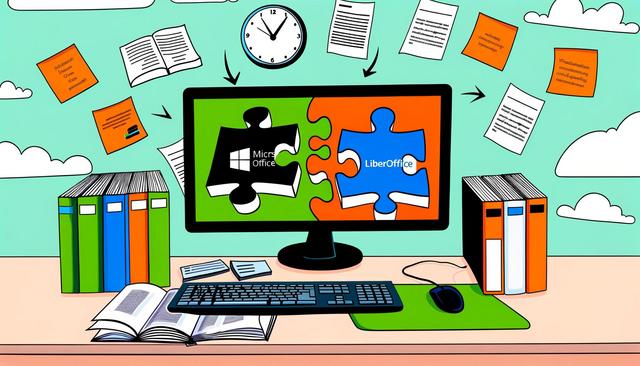
The transition from Microsoft Office to LibreOffice is a decision that an increasing number of users are considering, driven by the need to reduce costs and adopt open-source solutions. However, this migration requires a clear understanding of the differences between the two office suites and adequate preparation to ensure a smooth transition.

To transition from Microsoft Office to LibreOffice effectively, it is important to focus on three practical areas: file compatibility, user training, and a clear migration plan. These points help users understand how Writer, Calc, and Impress can replace common tasks performed in Word, Excel, and PowerPoint.