
How to Update LibreOffice for Free in 2022
- 01/18/2022 07:14am
In this article, we will see step-by-step how to update LibreOffice for free in 2022 from a previous version in just a few clicks.
This guide explains how to check whether a LibreOffice update is available, how to download the update manually, and how to install it on your computer. The procedure is useful when LibreOffice indicates that automatic update downloading is currently unavailable.
The different steps will be:
- Check for the availability of an update
- Download the update
- Install the update
Steps to Update LibreOffice
If you are looking to install LibreOffice, please refer to another source.
Before starting, close your open documents if needed and make sure you have the rights required to install software on your computer. The update wizard may ask for an administrator or root password, depending on your system settings.
In the LibreOffice menu, click on Help > Check for Updates

A new status window opens:
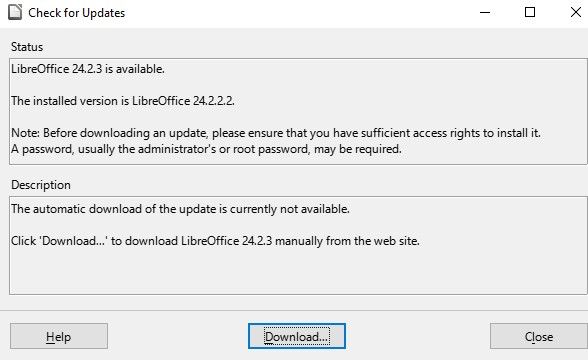
It indicates the version available for download and the version of LibreOffice installed on your computer.
This comparison helps you confirm that an update is available before downloading anything. If the available version is newer than the version installed on your computer, you can continue with the manual download.
A warning message states: "Before downloading an update, ensure you have sufficient access rights to install it. A password, usually the administrator or root password, may be required."
Another message in Description informs that automatic update downloading is currently unavailable.
Click 'Download...' to download the new version of LibreOffice manually from the website.
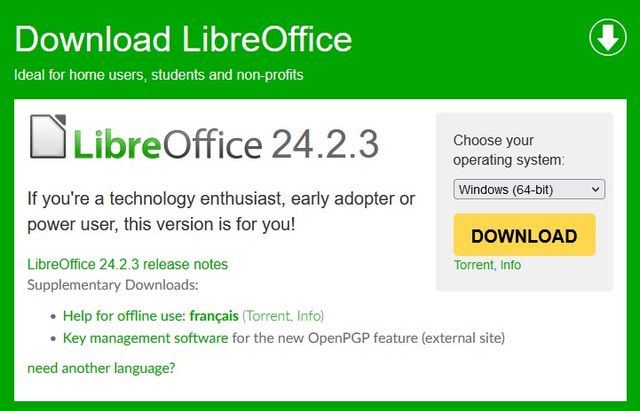
Download the LibreOffice Update
A window in your browser opens on the download page.
You can select the version corresponding to your operating system.
Choose the download that matches your computer. This step is important because the installer must correspond to the operating system shown on the download page.
Click Download to initiate the download, then click Save File.
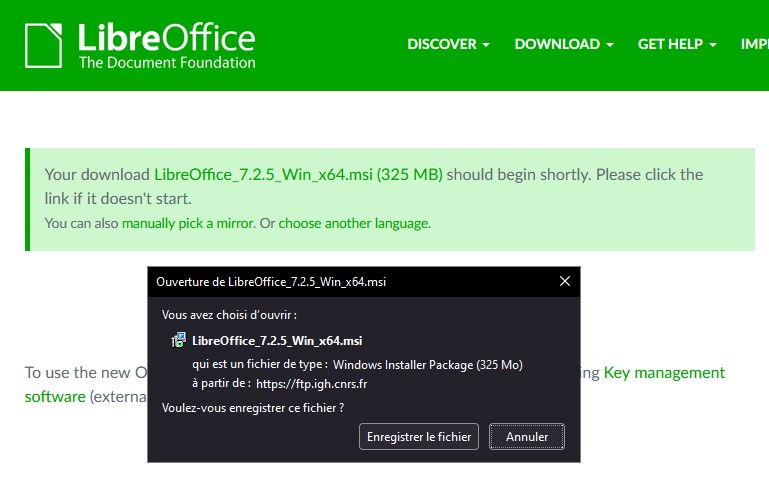
The download begins.

The installation file for the update is saved in the Downloads folder defined by your browser.

Install the LibreOffice Update
Run (double-click) this installer to perform the update.
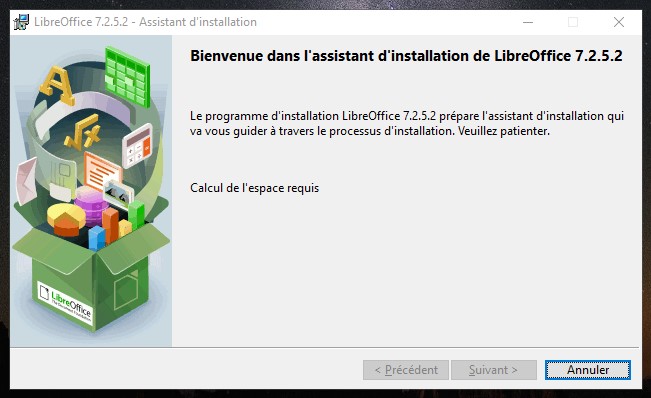
The installer starts the update process. Follow the instructions displayed by the wizard. If your computer requests permission to continue, use the access rights mentioned in the warning message shown earlier.
Once the calculation of the space required to run the program is completed, click Next to continue the update.
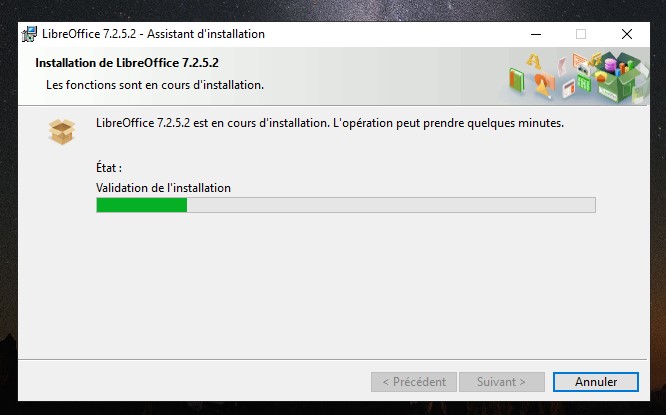
The program will indicate when the LibreOffice update is complete.
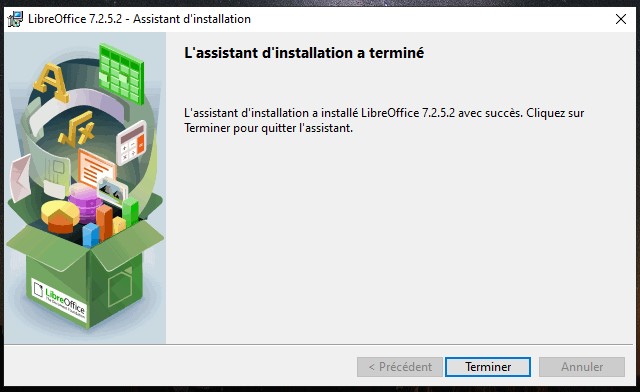
Click Finish to exit the update wizard.
Congratulations, you now have the latest version of LibreOffice.
Quick Summary of the Update Process
| Step | Action | What to check |
|---|---|---|
| Check for updates | Open Help > Check for Updates in LibreOffice | Compare the installed version with the available version |
| Download the update | Click Download and save the file | Select the version corresponding to your operating system |
| Install the update | Run the installer and follow the wizard | Use administrator or root access if requested |
FAQ about Updating LibreOffice for Free
How do I check if a LibreOffice update is available?
Open LibreOffice, then click Help > Check for Updates. A status window shows the version available for download and the version currently installed on your computer.
Why do I need to download the LibreOffice update manually?
In this procedure, the update window indicates that automatic update downloading is currently unavailable. You must therefore click Download... and download the new version manually from the website.
Where is the LibreOffice update file saved?
The installation file is saved in the Downloads folder defined by your browser, unless your browser uses another download location.
Do I need administrator rights to update LibreOffice?
The warning message explains that sufficient access rights may be required to install the update. A password, usually the administrator or root password, may be requested.
How do I finish the LibreOffice update?
After running the installer, follow the update wizard. When the program indicates that the update is complete, click Finish to exit the wizard.
Conclusion
Updating LibreOffice for free in 2022 is done in three main steps: check for an available update, download the correct installer, and run the installation wizard. Once the wizard confirms that the update is complete, LibreOffice is ready to use in its updated version.

