Welcome to Download LibreOffice, Anonymous 10/13/2026 06:31pm

Download LibreOffice for Free: Features and Charts

  • 09/27/2025 12:06am

Download LibreOffice for free: news and histograms

Download LibreOffice for Free now

LibreOffice is one of the most widely used office suites in the world. It is free, open source, and cross-platform, available for Windows, macOS, and Linux. Download LibreOffice for free from the official website to access a complete office suite for everyday documents, spreadsheets, presentations, graphics, databases, and formulas.

Downloading it is simple and accessible for everyone through the official website. Using the official download page helps you get the appropriate version for your operating system.

Download LibreOffice for Free

No License Fees

Unlike proprietary software, LibreOffice does not impose any license fees. You can install it as many times as needed, whether for personal, educational, or professional use.

This makes LibreOffice useful in many situations: writing a report at home, preparing class material, managing spreadsheets for a small organization, or creating presentations for work. The absence of license fees also means that users can install the suite on several computers without buying additional licenses.
Download LibreOffice 25.8 Free for Windows, Mac, Linux

  • 09/25/2025 12:39am

Download LibreOffice 25.8 for Free: Windows, Mac, Linux

Discover LibreOffice 25.8: Free Download for Windows, Mac, and Linux

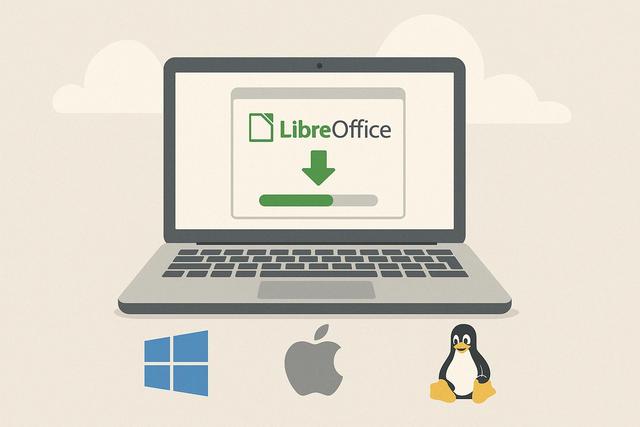
LibreOffice 25.8 is available as a free download for Windows, Mac, and Linux. This version continues to evolve with enhanced features, increased compatibility, and ease of use for everyday office work. This article explores everything you need to know about LibreOffice 25.8, available for free download for Windows, Mac, and Linux here.

LibreOffice Writer vs Word: Free Word Processor Guide

  • 09/22/2025 10:25pm

LibreOffice Writer vs Word: Choosing the Right Free Word Processor

LibreOffice Writer vs Word: Which Free Word Processor Should You Choose?

Introduction

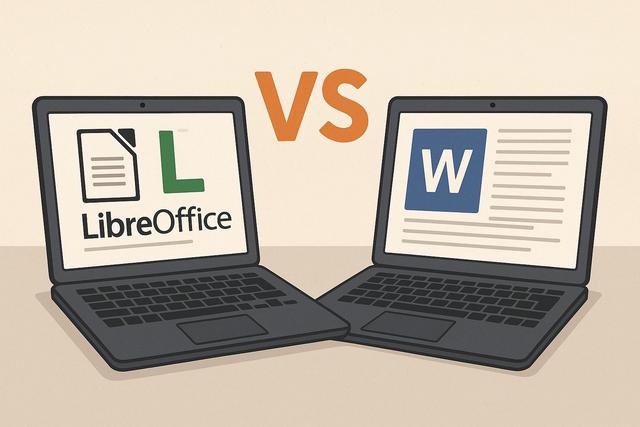
In the world of word processing, two names frequently come up: LibreOffice Writer and Microsoft Word. The former is a free and open-source solution, while the latter is a commercial software from the Microsoft Office suite. Both tools boast distinct features that attract users based on their specific needs. But which of these word processors is better suited for you? This article provides a detailed comparison between LibreOffice Writer and Word to help you make the ideal choice.

This LibreOffice Writer vs Word comparison looks at the points that matter most in everyday use: interface, customization, document compatibility, collaboration, writing tools, performance, security, and cost. The goal is to help you choose a word processor that matches your habits, your budget, and the type of documents you create.

Download LibreOffice Writer Free for Windows, Mac, Linux

  • 09/21/2025 12:14am

Download LibreOffice Writer Free for Windows, Mac, Linux

LibreOffice Writer is a free word processing software for Windows, Mac, and Linux. This open-source alternative to Microsoft Word is part of the LibreOffice office suite and gives users a practical way to create, edit, and format text documents without paying for a subscription.

LibreOffice Writer, a powerful open-source office suite, is an increasingly popular alternative to Microsoft Word. By offering a free download for Windows, Mac, and Linux, LibreOffice Writer attracts many users looking for a cost-effective and high-performing solution. Discover why and how to download LibreOffice Writer for all your favorite platforms.

Mastering LibreOffice in 2025: Guides and Resources

  • 09/16/2025 05:39am

Mastering LibreOffice in 2025: Key Guides and Resources

Essential Resources and Guides to Master LibreOffice in 2025

Mastering LibreOffice in 2025 means knowing where to find reliable guides, tutorials, courses, books, and practical resources for this open-source office suite. With the constant evolution of technology, LibreOffice remains an essential open-source office suite and a competitive alternative to paid suites. To fully leverage its features, it is vital to equip oneself with the best resources and guides. In 2025, access to information and training has expanded even further, offering multiple tools to enhance one’s skills.

LibreOffice includes tools for writing documents, working with spreadsheets, creating presentations, and managing other office tasks. A clear learning path helps users understand the interface, practice regularly, and move from basic actions to more advanced features at their own pace.