Thumbnail Maker: The Ultimate LibreOffice Companion for Your Visuals
- 07/21/2026 03:09pm
Introduction to Thumbnail Maker
LibreOffice allows you to write documents, create presentations, prepare spreadsheets, and design graphic materials. However, publishing content often requires a final step: creating an image suitable for the web and social media.
Introducing Thumbnail Maker
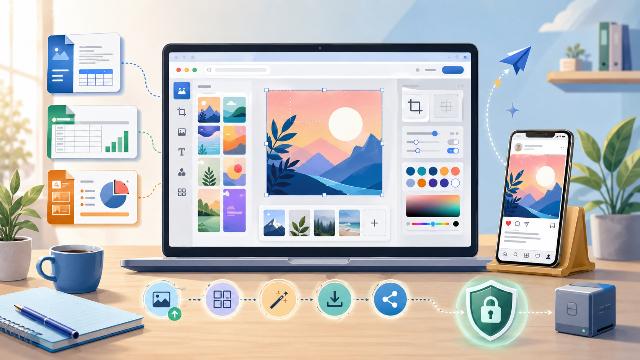
Thumbnail Maker now fulfills this purpose. This companion tool for LibreOffice enables you to create thumbnails, covers, banners, or social media posts directly in your browser.
Streamlined Workflow
For example, you can write an article with LibreOffice Writer, prepare a presentation with Impress, and then create its cover image using Thumbnail Maker. This way, you get a properly formatted visual without opening complex graphic software.
User-Friendly Features
The tool is free to use, requires no registration, and does not need any installation. Moreover, it processes the selected images directly in the browser, so your files remain on your device.
Complementary Tool for LibreOffice
Thumbnail Maker is not a new application within the LibreOffice suite. It is also not an integrated extension of Writer, Impress, or Draw. It simply complements these software programs by providing a quick solution for creating visuals intended for publication.