Welcome to Download LibreOffice, Anonymous 10/13/2026 09:19pm

Latest News on LibreOffice | Updates and New Features

LibreOffice vs Euro-Office: Which Office Suite Should You Choose?

  • 06/10/2026 02:58am

LibreOffice VS Euro-Office

LibreOffice or Euro-Office: this question has arisen since the announcement of Euro-Office and the debate initiated by The Document Foundation. For many users, the topic may seem technical. However, it addresses a very simple need: choosing a reliable office suite to write, calculate, present, and store documents.

LibreOffice already has a long history. The suite has been around since 2010, inheriting from OpenOffice.org, which was launched in 2001 from the code of StarOffice. It is supported by an international community, open-source code, and the ODF format. On the other hand, Euro-Office presents itself as a recent European solution. However, its communication raises several questions.

The open letter published by The Document Foundation highlights an important point. An office suite does not become sovereign merely by being marketed as European. It must also give users control over their files. This control depends on the software, as well as the format used to save documents.

In this article, we will compare LibreOffice and Euro-Office from a practical perspective. The goal is not to engage in controversy, but rather to understand which solution better protects your daily usage, your documents, and your freedom of choice.
Create a Professional Quote with LibreOffice Writer

  • 06/01/2026 02:15am

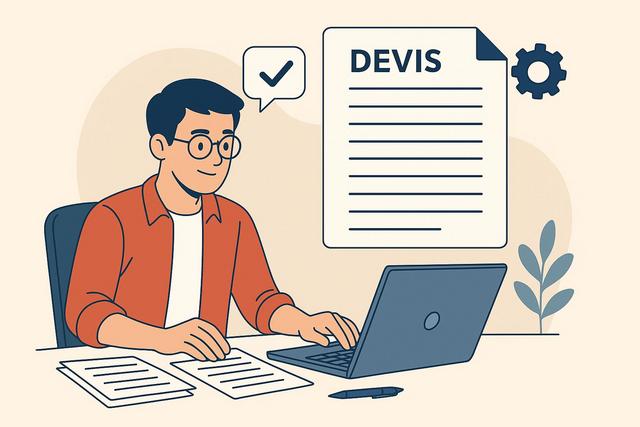
Create a professional quote easily with LibreOffice Writer

Introduction to LibreOffice Writer for Creating Quotes

LibreOffice Writer is a powerful and versatile word processing tool that can help you create a professional quote with a clear structure, a polished layout, and all the essential business information. It can compete with its paid counterparts. More and more professionals are choosing LibreOffice Writer for its free access and extensive features. If you are an entrepreneur, artisan, or manager, knowing how to create a professional quote with this tool can save you time and money. This article guides you step by step in creating a professional quote using LibreOffice Writer.

A well-prepared quote should be easy to read, complete, and simple for the client to understand. With LibreOffice Writer, you can add your company details, a logo, client information, a table of services or products, totals, VAT, general conditions, and then export the finished document as a PDF.

LibreOffice Mobile and Web Version Planned for 2026

  • 05/28/2026 10:35pm

LibreOffice Mobile Online

Introduction to LibreOffice's Mobile and Online Version

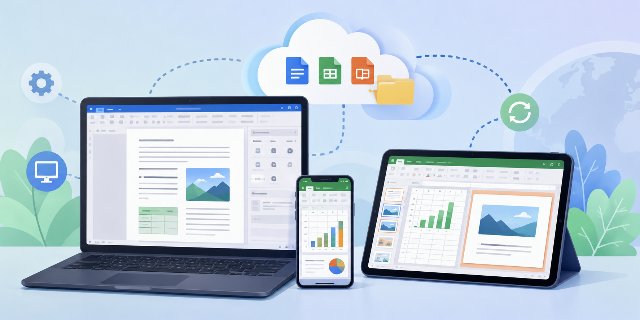
LibreOffice Mobile and LibreOffice Web are at the heart of new plans announced for 2026. For several years, LibreOffice users have been requesting a mobile version and a version accessible directly through a browser. Until now, the project has primarily focused on desktop computers. However, things seem to be evolving rapidly.

These plans concern several practical uses already expected by users: opening office documents on a phone, working from a tablet, using a browser without installing software, and collaborating online while keeping the principles of free software.

New Strategy for Development

On May 27, 2026, The Document Foundation announced a new strategy regarding the web and mobile development of LibreOffice. This announcement paves the way for a potential future mobile version of LibreOffice, as well as an online version that can operate directly within a web browser.

The strategy mentioned in the announcement focuses on concrete technical work. It includes the browser, mobile platforms, cloud environments, and collaborative editing. These areas are closely linked because many users now switch between a computer, a smartphone, a tablet, and online storage during the same workday.

Technical Developments

Even though no final product is available yet, the revealed technical directions clearly indicate that the project is making progress.

The main technical directions mentioned include WebAssembly, Qt 6, mobile interface work, Android and iOS testing, and collaboration experiments. Together, these elements show how LibreOffice could extend its existing desktop base toward mobile and browser-based use.

Online Text Editor Compatible with LibreOffice

  • 05/27/2026 02:41am

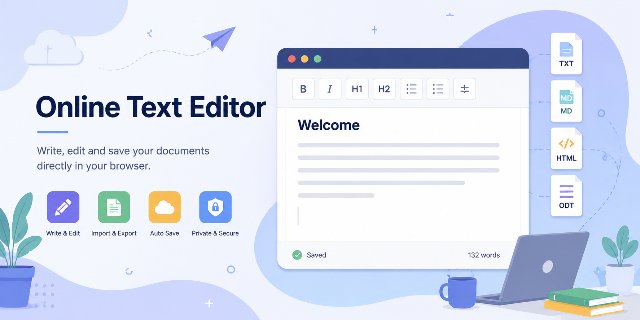
Online Text Editor

An online text editor compatible with LibreOffice is useful when you need to open, edit or export a document quickly from a browser. LibreOffice remains a benchmark among free office suites. Millions of users utilize it every day to write documents, create spreadsheets, or prepare presentations. However, some occasional tasks do not necessarily require launching a full software suite.

This is precisely where an online text editor becomes interesting.

A tool like Online Text Editor does not replace LibreOffice; rather, it complements it for quick needs such as:

  • opening an ODT file;
  • quickly editing text;
  • importing or exporting various formats;
  • writing a few notes;
  • converting a document;
  • working from a browser without installation.

The goal is simple: to provide a lightweight, free, and immediately accessible solution.

LibreOffice Calc Time Management and Work Hours Tracking

  • 05/25/2026 02:30am

Optimize Your Time Management with LibreOffice Calc

Introduction to LibreOffice Calc for Tracking Work Hours

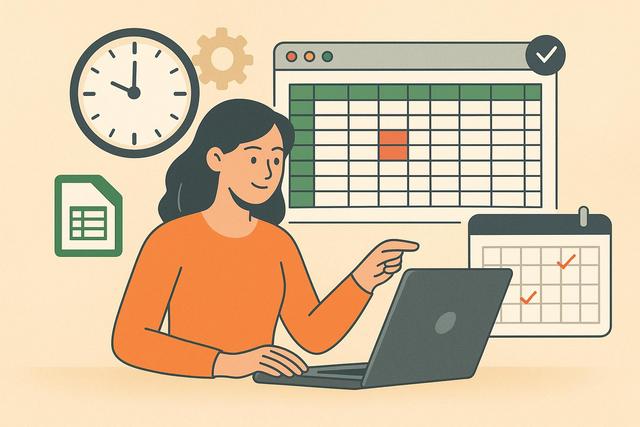
LibreOffice Calc time management is a practical way to organize work hours, follow daily activity, and keep reliable records in a spreadsheet. Effective time management is crucial in the professional world. For many workers and managers, accurately tracking work hours can be a challenge. LibreOffice Calc provides a simple and free solution to manage this essential information. This practical guide will help you use LibreOffice Calc to track work hours efficiently.

With a clear timesheet, you can record start times, end times, breaks, total hours worked, and notes in one place. Calc also helps automate calculations, apply conditional formatting, and create charts so that your working time data is easier to read and review.