How to Download and Install LibreOffice in 2024
- 01/04/2024 05:07am
LibreOffice 7.6 remains a powerful and free office suite, with new features and improvements awaiting you in 2024. Its intuitive interface and advanced tools are designed to unleash your creativity and boost your productivity.
 1à
1à
Explore the Applications
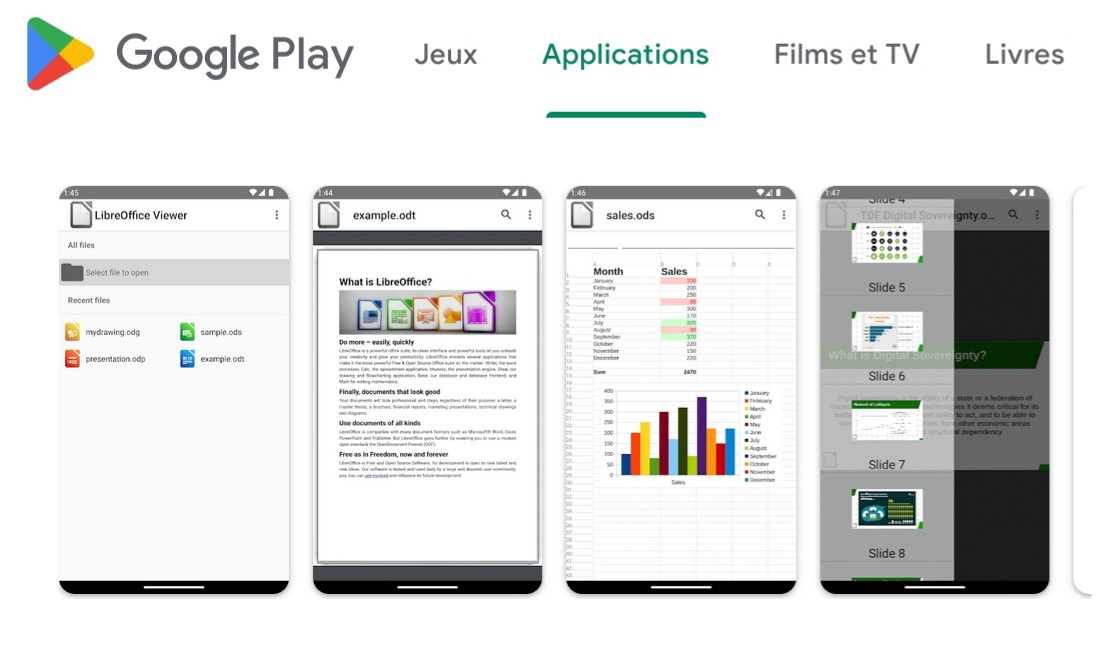
LibreOffice includes Writer for word processing, Calc for spreadsheets, Impress for presentations, Draw for drawing, Base for databases, and Math for editing mathematical formulas.
These applications cover the main needs of an office suite. Writer helps you create and edit text documents. Calc is designed for spreadsheets and data tables. Impress is used to prepare presentations. Draw supports drawing tasks, Base is used for databases, and Math lets you edit mathematical formulas.
Get the Latest Version
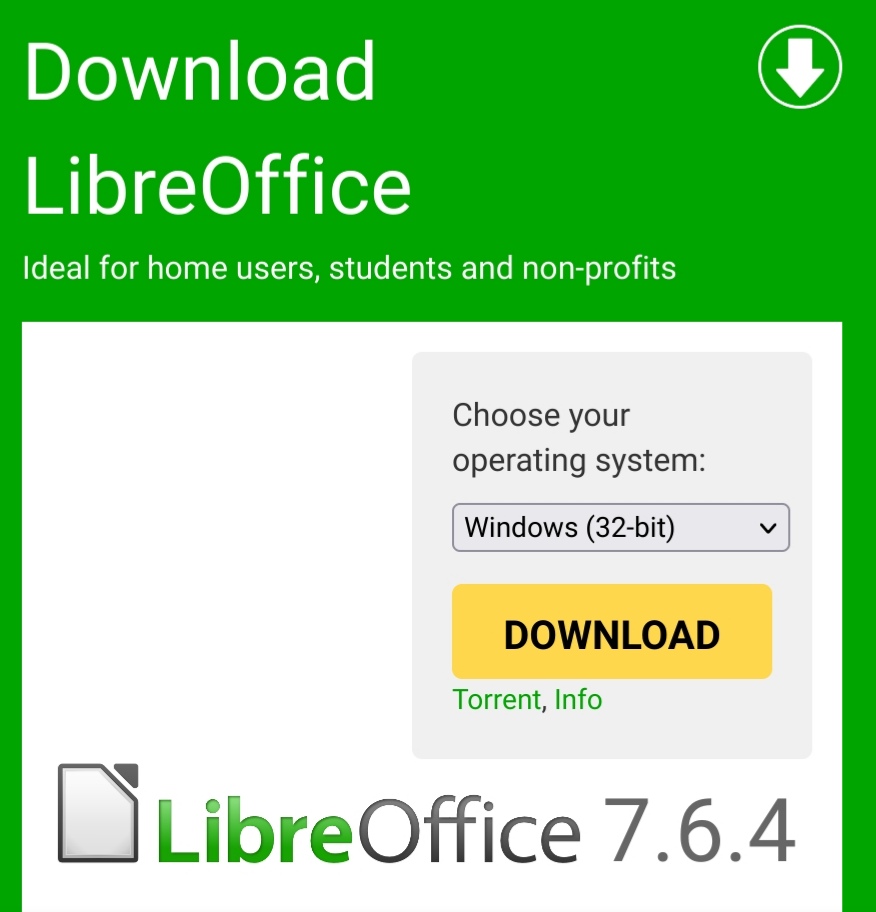
Start by visiting the download page of the LibreOffice Foundation to get the latest version.
Using the official download page helps you get the LibreOffice installer from the source mentioned in this guide. Before starting the installation, save the installer in a folder where you can easily find it, such as your downloads folder or another directory of your choice.

 The proud Documentation team of LibreOffice is excited to announce the immediate release of the LibreOffice Calc Guide version 7.6. Coordinated by Steve Fanning with the assistance of Olivier Hallot and B. Antonio Fernandez, this update brings significant improvements, particularly in accessibility, while building on the Calc Guide 7.5. Discover the latest