Welcome to LibreOffice Guide 11/27/2026 10:02pm

Free LibreOffice Tutorials: Writer, Calc and Impress

Business Management Dashboard in Calc Tutorial

  • 10/06/2025 01:31am

Business Management Dashboard in Calc: Tutorial

How to Build a Business Management Dashboard in Calc

In the world of business management, having effective tools to analyze data and make informed decisions is crucial. Calc, the spreadsheet software from the LibreOffice suite, is an accessible and efficient option for creating a business management dashboard. This tutorial will guide you through the steps to build a management dashboard in Calc, optimizing the use of this powerful tool to meet your company's needs.

A dashboard in Calc can centralize key figures such as sales, costs, inventory, and financial performance. By organizing data correctly and using features such as pivot tables, conditional formatting, charts, and macros, you can create a clear spreadsheet that supports daily monitoring and reporting.
Free Online LibreOffice Writer: Use It in Browser

  • 10/03/2025 02:32am

LibreOffice online for free: easily use Writer

LibreOffice Online for Free: Use Writer in Your Browser

LibreOffice Writer online is a practical way to use the LibreOffice word processor for free, directly from your browser. LibreOffice is an increasingly popular open-source office suite, especially for those looking for free alternatives to paid solutions like Microsoft Office. This article is dedicated to using LibreOffice Writer online, for free, directly from your browser. By exploring the features of Writer, you will discover why it has become an essential choice for users around the world.

Create Professional Invoices with LibreOffice Writer

  • 10/02/2025 01:31am

Create Professional Invoices with LibreOffice Writer: Complete Guide

Generate Professional Invoices with LibreOffice Writer

Introduction

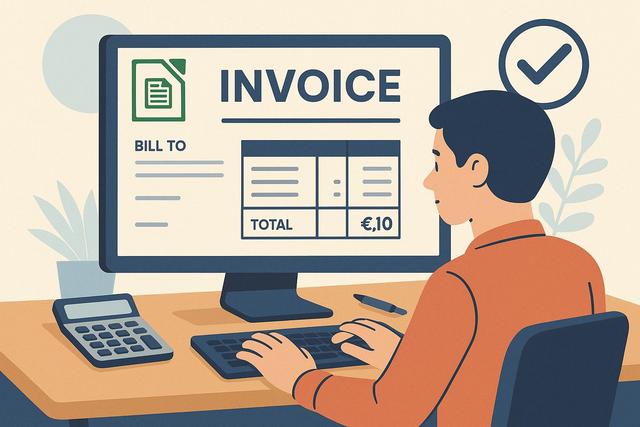
Creating professional invoices with LibreOffice Writer is a practical way to prepare clear, customized business documents without paid office software. In today's business world, creating effective professional invoices is essential to maintaining a steady cash flow. LibreOffice Writer is a powerful and free tool that can help you generate professional invoices effortlessly. In this article, we will guide you through the process of creating invoices with LibreOffice Writer, using examples and practical tips.

This guide explains how to structure an invoice, add business and customer information, use tables, manage totals, export the document as a PDF, and keep invoices organized for later reference.

Create a Business Dashboard with LibreOffice Calc

  • 09/29/2025 01:51am

Create a Dashboard for SMEs with LibreOffice Calc

How to Create a Management Dashboard for SMEs with LibreOffice Calc

Creating a business dashboard with LibreOffice Calc helps SMEs monitor financial and operational data in one clear spreadsheet. Effective management of an SME requires precise and constant monitoring of financial and operational data. LibreOffice Calc is a powerful and free tool that can be used to create a customized management dashboard. Follow this tutorial to learn how to create a functional dashboard that will help you manage your business more efficiently.

A well-structured dashboard makes daily management easier. It gathers key figures such as sales, revenues, expenses, cash flow, inventory and staff performance. With Calc, you can organize this information, create charts and export reports for sharing.

Mastering LibreOffice in 2025: Guides and Resources

  • 09/16/2025 05:39am

Mastering LibreOffice in 2025: Key Guides and Resources

Essential Resources and Guides to Master LibreOffice in 2025

Mastering LibreOffice in 2025 means knowing where to find reliable guides, tutorials, courses, books, and practical resources for this open-source office suite. With the constant evolution of technology, LibreOffice remains an essential open-source office suite and a competitive alternative to paid suites. To fully leverage its features, it is vital to equip oneself with the best resources and guides. In 2025, access to information and training has expanded even further, offering multiple tools to enhance one’s skills.

LibreOffice includes tools for writing documents, working with spreadsheets, creating presentations, and managing other office tasks. A clear learning path helps users understand the interface, practice regularly, and move from basic actions to more advanced features at their own pace.