Welcome to LibreOffice Guide 11/27/2026 09:56pm

Free LibreOffice Tutorials: Writer, Calc and Impress

Mortgage Tracking Spreadsheet with LibreOffice Calc

  • 11/11/2025 03:31am

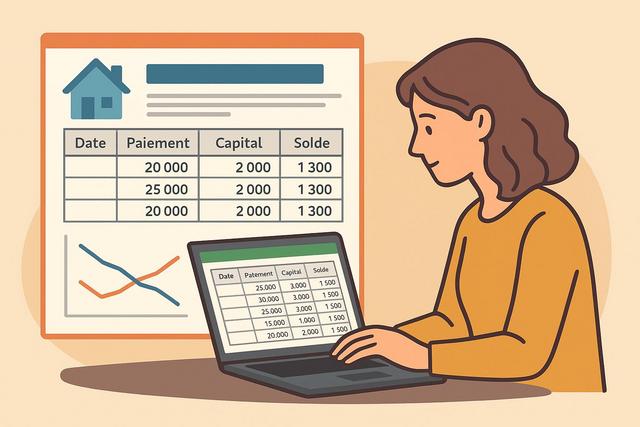
Mortgage tracking table with LibreOffice

Create a Mortgage Tracking Table with LibreOffice

Managing a mortgage can often feel like a daunting challenge, especially due to the numerous details that need to be monitored. If you are one of the many homeowners or buyers looking to simplify this task, creating a mortgage tracking spreadsheet with LibreOffice can be an effective solution. Not only will it allow you to keep track of your loan payments, but it will also help you manage your finances more effectively. In this article, we will explore how to design and use a mortgage tracking table with LibreOffice.

A clear spreadsheet helps you group the main information in one place: monthly payment, interest, principal, and remaining balance. With LibreOffice Calc, you can enter your mortgage data, use formulas, and update your figures month after month without starting from scratch.

LibreOffice Calc: Free Excel-Compatible Spreadsheet

  • 11/06/2025 08:27pm

LibreOffice Calc: Free Excel-Compatible Spreadsheet

LibreOffice Calc is a free spreadsheet program compatible with Excel files. You can create and modify spreadsheets without paying a subscription. The software works on Windows, Mac, and Linux. It allows you to manage budgets, organize data, analyze results, or produce reports, whether for personal or professional use.

With LibreOffice Calc, you can work on everyday spreadsheets, open common Excel formats, use formulas, build charts, and export documents in several formats. It is part of the LibreOffice suite, so Calc is installed together with the other LibreOffice applications.

LibreOffice Calc: Free Excel Alternative

  • 11/06/2025 07:58pm

LibreOffice Calc

Introduction to LibreOffice Calc

LibreOffice Calc is a free spreadsheet software and one of the best alternatives to Microsoft Excel. It lets you open, edit, and create XLSX spreadsheets on Windows, Mac, and Linux without paying for Microsoft Office.

You can use Calc for budgets, reports, charts, formulas, business tracking, or personal finance while keeping full control over your files and privacy.

LibreOffice Calc is included in the LibreOffice suite. It is designed for everyday spreadsheet work, from simple tables to more advanced data analysis with formulas, filters, charts, and pivot tables.

LibreOffice Calc and Excel Compatibility

  • Open .xlsx Excel files
  • Edit .xls spreadsheets
  • Create Excel-compatible documents
  • No Microsoft 365 subscription required
  • Works offline

Real Estate Depreciation in LibreOffice Calc

  • 11/05/2025 02:31am

Calculate Real Estate Depreciation with LibreOffice Calc

Calculate Real Estate Depreciation in LibreOffice Calc: Step-by-Step Guide

Real estate depreciation in LibreOffice Calc helps property owners organize acquisition cost, useful life, depreciation rate, annual depreciation and net value in a clear spreadsheet. Real estate depreciation is an accounting technique that allows property owners to spread the acquisition cost of their asset over its useful life. Calculating this depreciation in software like LibreOffice Calc can be complex without proper guidance. This guide will walk you through the process of using LibreOffice Calc to effectively compute this depreciation.

With Calc, you can enter the basic data once, apply formulas, copy them down the spreadsheet and review the results year by year. This makes the calculation easier to follow and helps keep financial statements consistent.

Monthly Expense Management Spreadsheet in Calc

  • 11/04/2025 06:31pm

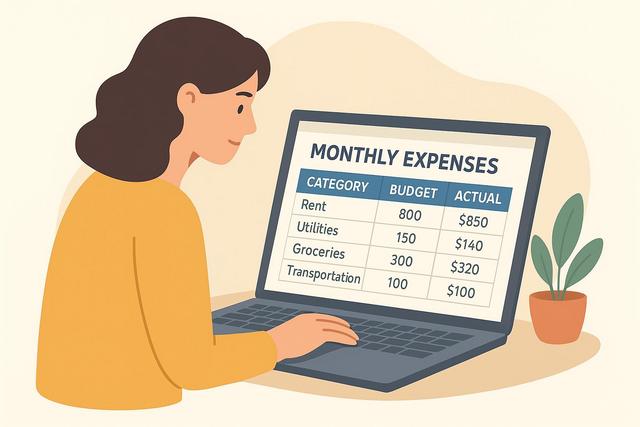
Create a Monthly Expense Management Table in Calc

Create a Monthly Expense Management Table in Calc

Managing personal finances can be a challenge. For some, tracking expenses is a daunting task. However, a monthly expense management spreadsheet in Calc can greatly simplify budget management. In this article, you will learn how to create an effective monthly expense management table using Calc, a free and open-source software included in LibreOffice.

This tutorial explains how to structure your spreadsheet, enter expenses, calculate totals and analyze your spending by category. The goal is to build a simple table that helps you follow fixed expenses, variable expenses and monthly cash outflows in one place.