Welcome to Download LibreOffice 09/16/2026 09:32am

Libreoffice

LibreOffice Writer Free: Latest Features and Update

New Features of the Latest Version of LibreOffice Writer Free

Discover the New Features of the Latest Version of LibreOffice Writer Free

Introduction

LibreOffice Writer free is a free and open-source word processor that provides a practical and efficient alternative to Microsoft Word. Its popularity stems from its accessibility and the richness of its features. With each update, LibreOffice Writer continues to improve, incorporating innovative functionalities that meet the needs of writers, students, and professionals. To optimize your user experience and ensure you have access to the latest updates, it is essential to download the latest version of LibreOffice Writer for free. This article explores the enhancements and new features of the latest version while guiding you on how to update your software.

Writer is designed for creating, editing, formatting, and sharing text documents. It can be used for reports, letters, essays, professional documents, and longer writing projects. The latest version focuses on usability, collaboration, file compatibility, performance, and security, which are key points for everyday productivity.


Create a Basic CRM with LibreOffice Base

Create a basic CRM with LibreOffice Base: Step-by-step guide

Create a basic CRM with LibreOffice Base: Step-by-step guide

Introduction to CRM with LibreOffice Base

The digital era requires efficient tools to effectively manage customer relationships. A Customer Relationship Management (CRM) software is essential for any business looking to optimize its interactions with clients. While large corporations often invest in expensive solutions, it is possible to create a basic and free CRM using LibreOffice Base. This step-by-step guide will show you how to set up your own CRM with LibreOffice.

A basic CRM with LibreOffice Base can help you centralize client details, company names, contact information and notes in one database. It is especially useful when you need a simple customer management tool without complex setup or paid software.

LibreOffice Writer for Android and iOS Download Guide

LibreOffice Writer on Android and iOS: Download Guide

Free LibreOffice Writer for Android and iOS: Download and Optimal Use

LibreOffice Writer for Android and iOS is a common search for users who want to create, edit, and share documents from a phone or tablet. LibreOffice Writer is one of the most popular and powerful word processors available for free. Many people wonder if it's possible to enjoy this software on mobile devices. This article explores this opportunity by detailing how to access LibreOffice Writer on Android and iOS, and how to use it optimally.

LibreOffice vs Microsoft 365 for Professionals

LibreOffice vs Microsoft 365: Which Suite to Choose for Professionals?

LibreOffice vs Microsoft 365: Which Suite to Choose for Professionals?

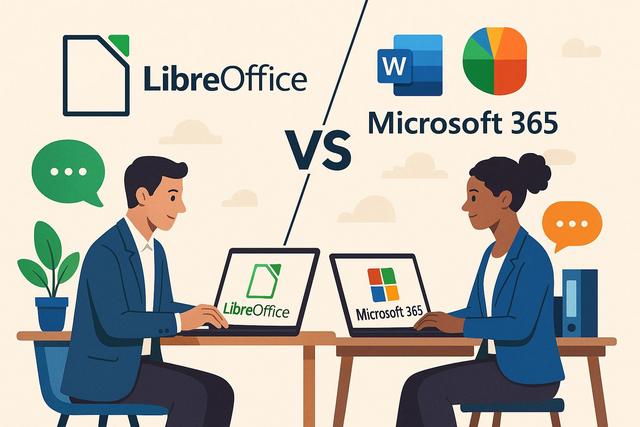
LibreOffice vs Microsoft 365 is a common comparison for professionals who need a reliable office suite for documents, spreadsheets, presentations, collaboration, and daily productivity. In the professional world, choosing the right office suite can significantly impact productivity, collaboration, and costs. Two of the most popular options are LibreOffice and Microsoft 365. This article compares these two suites to help you determine which one may better meet the needs of professionals.

Both solutions cover essential office tasks, but they differ in cost, cloud services, support, real-time collaboration, and integration with other tools. The best choice depends on how your team works, the types of files you exchange, and the level of support or online collaboration you require.

Download LibreOffice Portable Free: USB & PC Guide

Download LibreOffice Portable for Free: Complete Guide

Download LibreOffice Portable for USB and PC: Complete Guide

Why Choose LibreOffice Portable?

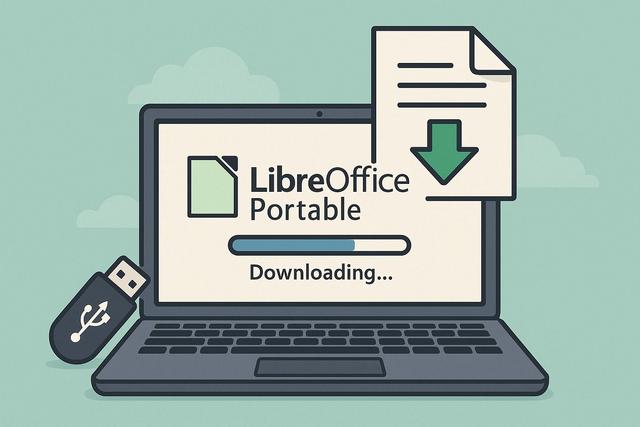
LibreOffice Portable is a standalone version of the renowned LibreOffice office suite, optimized for use from a USB drive or directly on your PC. By choosing LibreOffice Portable, you benefit from the power and flexibility of LibreOffice without needing to install it on your hard drive. This is particularly useful for mobile users and those who require a flexible and portable office solution.

With LibreOffice Portable, you can keep your office environment close at hand. It is useful when you need to write documents, open spreadsheets, prepare presentations, or manage files on different computers without a standard installation. The main advantage is simple: you can carry the suite on a USB drive and launch it from the chosen location when needed.