Welcome to Download LibreOffice 09/16/2026 11:43am

Libreoffice

LibreOffice 2025: Key Updates and New Features

New Features of LibreOffice 2025: What You Need to Know

New Features of LibreOffice 2025: What You Need to Know

LibreOffice 2025, the renowned open source office suite, continues to reinvent itself with its 2025 version. Known for its versatility and commitment to software freedom, this version promises to deliver significant enhancements aimed at both professional and individual users. In this article, we will explore the exciting new features of LibreOffice 2025 and what every user should know.

This overview focuses on the features already highlighted for the 2025 release: a modern user interface, improved performance, stronger compatibility, innovations in LibreOffice Writer and LibreOffice Calc, security improvements, accessibility options, and community support resources.

Styles and Formatting in LibreOffice Writer Guide

Guide for Using Styles and Formatting in LibreOffice Writer

Comprehensive Guide on Using Advanced Styles and Formatting in LibreOffice Writer

LibreOffice Writer styles and formatting help you create clear, consistent and professional documents, whether for personal or professional projects. However, to fully harness its potential, mastering the use of advanced styles and formatting is essential. In this article, we will explore how you can transform your documents using these advanced features while optimizing your writing process.

Instead of formatting each title, paragraph or page manually, styles let you apply predefined formatting rules. This makes document creation easier to manage, especially when a file contains many sections, headings, lists, images, tables, headers or footers.

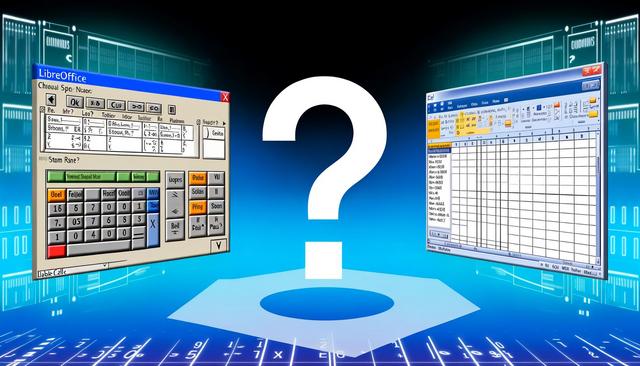
LibreOffice Calc vs Excel: Best Choice in 2025

LibreOffice Calc vs Excel: Which Solution to Choose in 2025?

LibreOffice Calc vs Excel: Which Solution to Choose in 2025?

When it comes to spreadsheet tools, LibreOffice Calc vs Excel is one of the most common comparisons for users, businesses, non-profit organizations, and students. Microsoft Excel and LibreOffice Calc are two undisputed giants. With the diversity of features and user needs, choosing between these two solutions can be complex, especially in 2025, where expectations for performance and interoperability are constantly evolving. In this article, we will examine the key differences between Excel and LibreOffice Calc, taking into account factors like cost, features, and compatibility, to help you decide which option is best for you this year.

Both tools are designed to create, edit, calculate, organize, and share spreadsheets. The best choice depends on practical criteria: your budget, the file formats you exchange, the features you use every day, and the level of support you need.

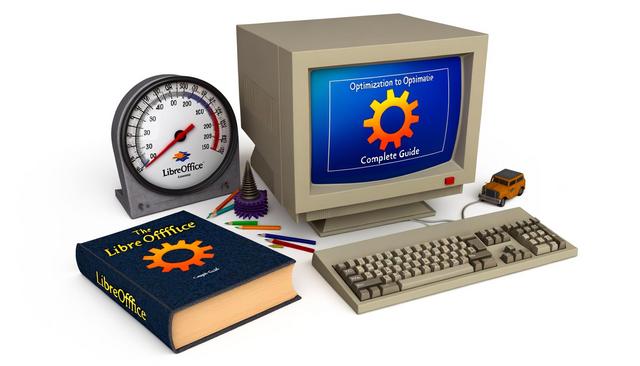
Optimize LibreOffice for Old Computers

Optimize LibreOffice for Old Computers: Complete Guide

Optimization of LibreOffice for Old Computers: Complete Guide

Why Choose LibreOffice for Old Machines?

LibreOffice for old computers is a practical choice when you need a complete office suite without overloading limited hardware. LibreOffice is an open-source office suite that provides a lightweight and efficient alternative to proprietary software. Ideal for older computers, LibreOffice consumes minimal resources while offering a comprehensive range of features. Optimizing LibreOffice on older machines enhances efficiency and extends the lifespan of your hardware, thereby providing smooth usage without the need for expensive upgrades.

This guide focuses on simple adjustments that can improve day-to-day use: memory settings, graphic acceleration, extensions, file formats, image size, updates, disk space and startup programs. Each tip is designed to reduce unnecessary load and help LibreOffice remain responsive on modest system configurations.

Best LibreOffice Extensions in 2025

Best LibreOffice Extensions in 2025

Discover the Best Extensions for LibreOffice in 2025

LibreOffice extensions help users add practical features to the open-source office suite and improve daily productivity in 2025. LibreOffice has won the hearts of many users worldwide due to its flexibility and rich features. To further maximize its potential, extensions play a crucial role. In 2025, several extensions stand out for enhancing productivity and user experience. In this article, we will introduce you to the best extensions for LibreOffice in 2025.

These tools can be useful for writing, proofreading, creating e-books, managing bibliographic references, preparing presentations, and working with data. Each extension presented below focuses on a specific use case already available in the LibreOffice ecosystem.