Welcome to Download LibreOffice 04/30/2026 07:38pm

Libreoffice

LibreOffice 7.3 Now Available for Free Download

LibreOffice 7.3 Community, the new major version of the free office suite supported by volunteers for desktop productivity, is now available at https://www.libreoffice.org/download. Based on the LibreOffice Technology platform for personal productivity on desktop, mobile, and cloud, it provides a wide range of enhancements aimed at users transitioning from Microsoft Office to LibreOffice or exchanging documents between the two office suites.

Types of Interoperability Improvements

There are three different types of interoperability enhancements:

New Feature Development

Development of new features, such as the new management of change tracking in tables and when text is moved, which positively impacts interoperability with Microsoft Office documents.

Performance Improvements

Performance enhancements when opening large DOCX and XLSX/XLSM files, improved rendering speed of certain complex documents, and new rendering speed improvements when using the Skia back-end introduced with LibreOffice 7.1.

Import/Export Filter Improvements

Improvements to import/export filters: DOC (greatly improved list/numbering import); DOCX (greatly improved list/numbering import; hyperlinks attached to shapes are now imported/exported; edit permission fixes; paragraph style change tracking); XLSX (decreased row heights for Office XLSX files; cell indentation does not increase on each save; edit permission fixes; better support for XLSX charts); and PPTX (fixed interactions and hyperlinks on images; corrected incorrect import/export of PPTX slide footers; fixed hyperlinks on images and shapes; transparent shadow for tables).

Additionally, LibreOffice help has also been improved to support all users, with particular attention to those transitioning from Microsoft Office: search results—now using FlexSearch instead of Fuzzysort for indexing—are focused on the user's current module, while help pages for Calc Functions have been reviewed for accuracy and completeness and are linked to the Calc Function wiki pages. Help pages for the ScriptForge scripting library have also been updated.

Getting Started with LibreOffice Writer: A Comprehensive Introduction (Part 1)

Getting Started with LibreOffice Writer: A Comprehensive Introduction (Part 1)Writer is the word processing component of LibreOffice, a comprehensive and free office suite. In addition to the usual features of a word processor (text entry, editing and formatting, spell checker, thesaurus, hyphenation and auto-correction, search and replace...), Writer provides the following important functionalities:

  • Track changes during revisions
  • Layout methods, including styles, frames, columns, and tables
  • Export to PDF and ePub
  • Document digital signatures
  • Templates and styles
  • Built-in drawing tools
  • Lists
  • Data tables
  • Mail merge and merging documents
  • Automated tables of contents and indexes
  • Master documents for grouping a set of documents into one document
  • Fields and forms
  • Database integration, including a bibliographic database
  • Embedding or linking spreadsheets, equations, and other objects
  • And much more

LibreOffice Writer 7: Exploring and Understanding the Interface Elements

What is Writer?

Writer is the word processing component of LibreOffice. In addition to the usual features of a word processor (spell check, thesaurus, hyphenation, auto-correction, find and replace, automatic generation of tables of contents and indexes, mail merge, etc.), it offers a range of important capabilities that will be covered in detail in upcoming articles:

LibreOffice Writer 7: Exploring and Understanding the Interface Elements

  • Templates and styles
  • Layout methods, including styles, frames, columns, and tables
  • Automated tables of contents and indexes
  • Embedding or linking images, equations, spreadsheets, and other objects
  • Integrated drawing tools
  • Master documents, to group a collection of documents into a single document
  • Track changes during revisions
  • Lists
  • Data tables
  • Database integration, including a bibliographic database
  • Mail merge
  • Export to PDF and EPUB
  • Document digital signatures
  • Form design and filling

How to Update LibreOffice for Free in 2022?

In this article, we will see step-by-step how to update LibreOffice for free in 2022 from a previous version in just a few clicks.

The different steps will be:

  • Check for the availability of an update
  • Download the update
  • Install the update

Steps to Update LibreOffice

If you are looking to install LibreOffice, please refer to another source.

In the LibreOffice menu, click on Help > Check for Updates

How to Update LibreOffice for Free in 2022?

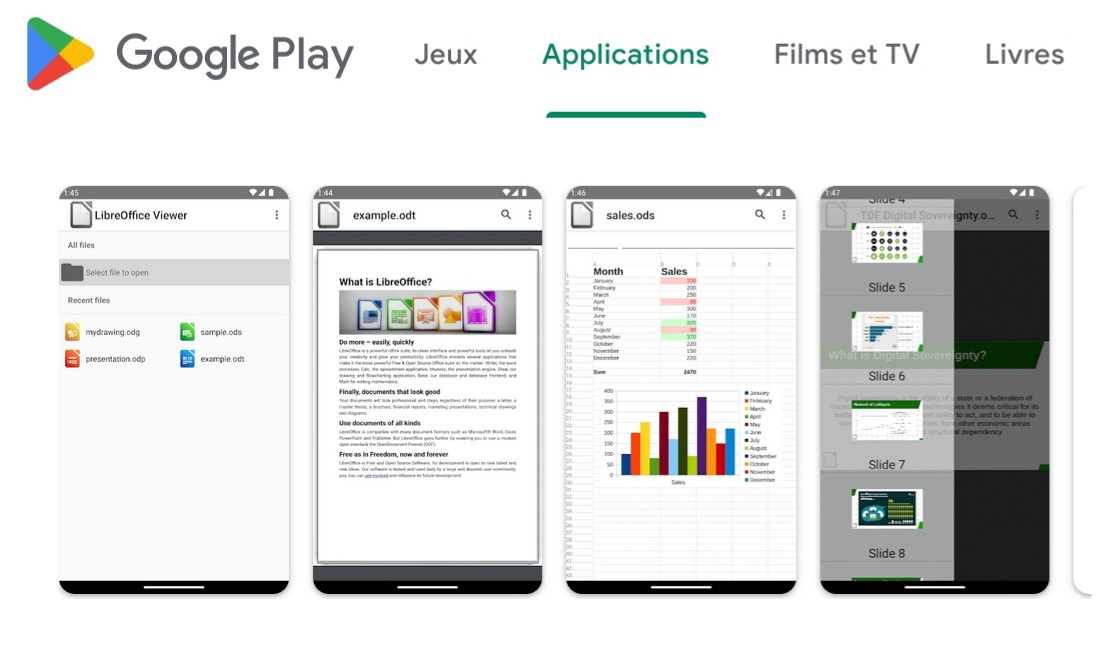
LibreOffice Now Available for Free Download on Android and iOS

Free download of LibreOffice for Android and IOS

Collabora Office is a comprehensive mobile office suite that includes a word processor, a spreadsheet application, and a presentation tool. Based on LibreOffice, the most widely used open-source office suite in the world, Collabora is available for Android and iOS, allowing you to expand your working and collaboration capabilities on mobile devices.