Welcome to Download LibreOffice 06/27/2026 07:24pm

Free Tutorials For Libreoffice

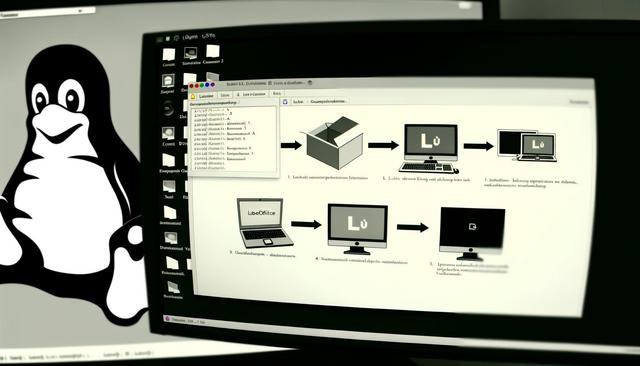
Install and Configure LibreOffice on Linux

LibreOffice on Linux: Installation and Configuration

LibreOffice on Linux: Installation and Configuration

LibreOffice on Linux is a widely used open source office suite, perfect for users seeking a free and efficient alternative to proprietary office suites. In this article, we will explore how to install and configure LibreOffice on Linux, ensuring that the entire process is smooth and tailored to meet your daily needs.

This guide covers the main installation methods for Ubuntu and Fedora, then explains the essential configuration options for the interface, extensions and file formats. It is designed to help you set up LibreOffice clearly, whether you use Writer for documents, Calc for spreadsheets, Impress for presentations or Base for databases.
LibreOffice Impress: Create Captivating Presentations

LibreOffice Impress: Create Engaging Presentations

Why Choose LibreOffice Impress for Your Presentations?

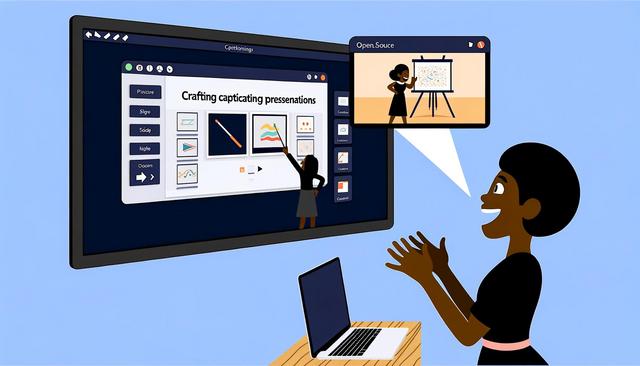
LibreOffice Impress is a powerful and free tool that allows you to create engaging presentations without the need for advanced technical skills. With its numerous features, LibreOffice Impress stands out as a robust alternative to paid solutions such as Microsoft PowerPoint. Whether you're preparing a presentation for a professional project or an academic report, LibreOffice Impress has everything you need to succeed.

With LibreOffice Impress, you can build clear slides, organize your ideas, add visual elements, apply templates, use animations, and prepare your delivery with presenter mode. These features help you design a slideshow that is easier to follow and more useful for your audience.

Styles and Formatting in LibreOffice Writer Guide

Guide for Using Styles and Formatting in LibreOffice Writer

Comprehensive Guide on Using Advanced Styles and Formatting in LibreOffice Writer

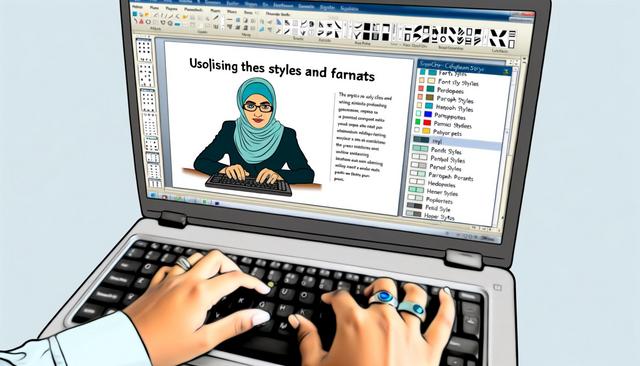
LibreOffice Writer styles and formatting help you create clear, consistent and professional documents, whether for personal or professional projects. However, to fully harness its potential, mastering the use of advanced styles and formatting is essential. In this article, we will explore how you can transform your documents using these advanced features while optimizing your writing process.

Instead of formatting each title, paragraph or page manually, styles let you apply predefined formatting rules. This makes document creation easier to manage, especially when a file contains many sections, headings, lists, images, tables, headers or footers.

Optimize LibreOffice for Old Computers

Optimize LibreOffice for Old Computers: Complete Guide

Optimization of LibreOffice for Old Computers: Complete Guide

Why Choose LibreOffice for Old Machines?

LibreOffice for old computers is a practical choice when you need a complete office suite without overloading limited hardware. LibreOffice is an open-source office suite that provides a lightweight and efficient alternative to proprietary software. Ideal for older computers, LibreOffice consumes minimal resources while offering a comprehensive range of features. Optimizing LibreOffice on older machines enhances efficiency and extends the lifespan of your hardware, thereby providing smooth usage without the need for expensive upgrades.

This guide focuses on simple adjustments that can improve day-to-day use: memory settings, graphic acceleration, extensions, file formats, image size, updates, disk space and startup programs. Each tip is designed to reduce unnecessary load and help LibreOffice remain responsive on modest system configurations.

LibreOffice Impress Guide for Dynamic Presentations

LibreOffice Impress: Guide for Dynamic Presentations

LibreOffice Impress: Complete Guide for Dynamic Presentations

LibreOffice Impress is a powerful open-source presentation creation tool that effortlessly competes with commercial counterparts. This software is an integral part of the LibreOffice suite, widely appreciated for its free availability and comprehensive features. Whether you are a beginner or an experienced user, this guide will help you harness the full potential of LibreOffice Impress to create compelling and interactive presentations.

With LibreOffice Impress, you can design slides, add multimedia content, use transitions and animations, export your work in several formats, and share presentations with people who use different platforms. The following guide explains the main features already available in Impress and shows how they can support clear, dynamic presentations.